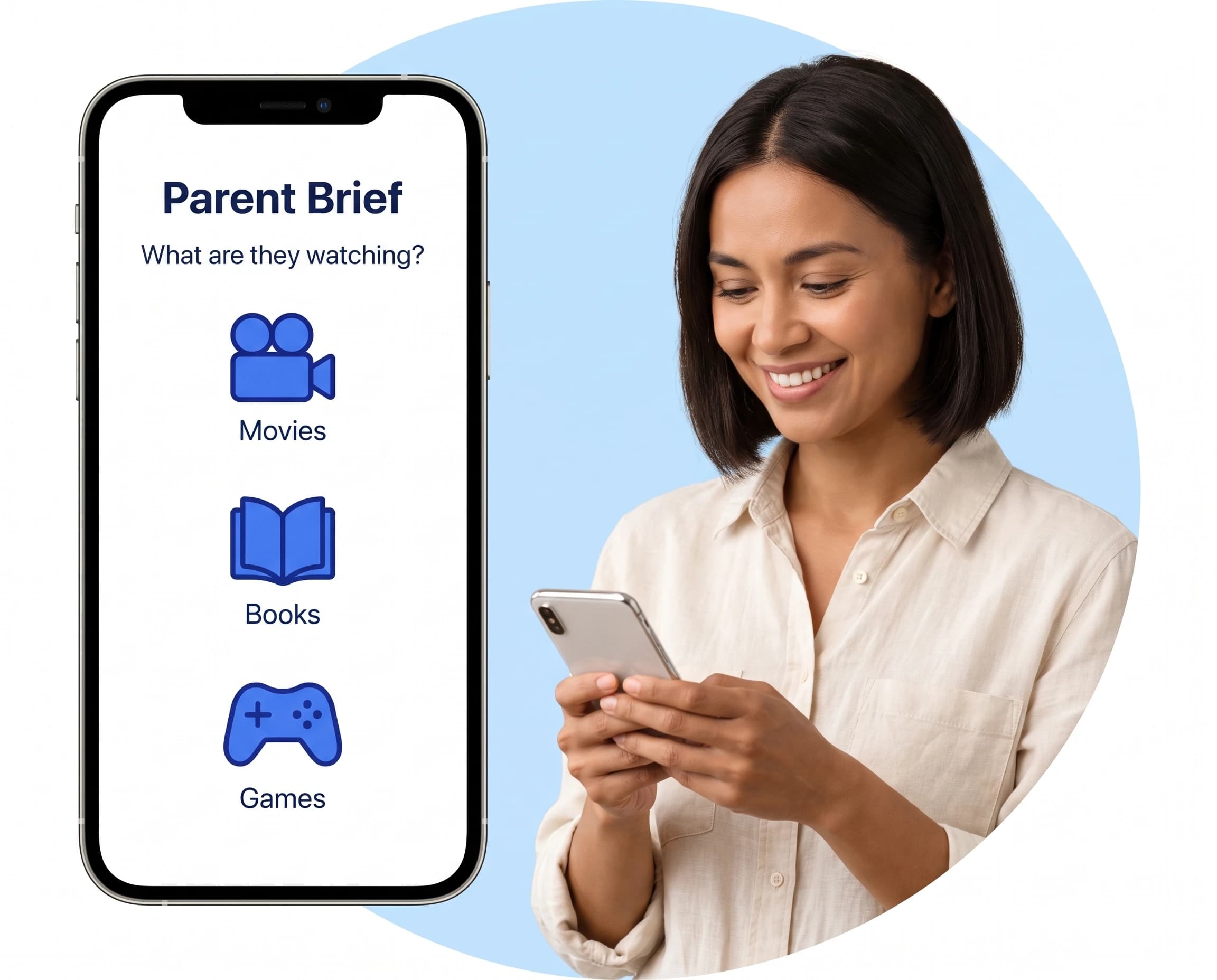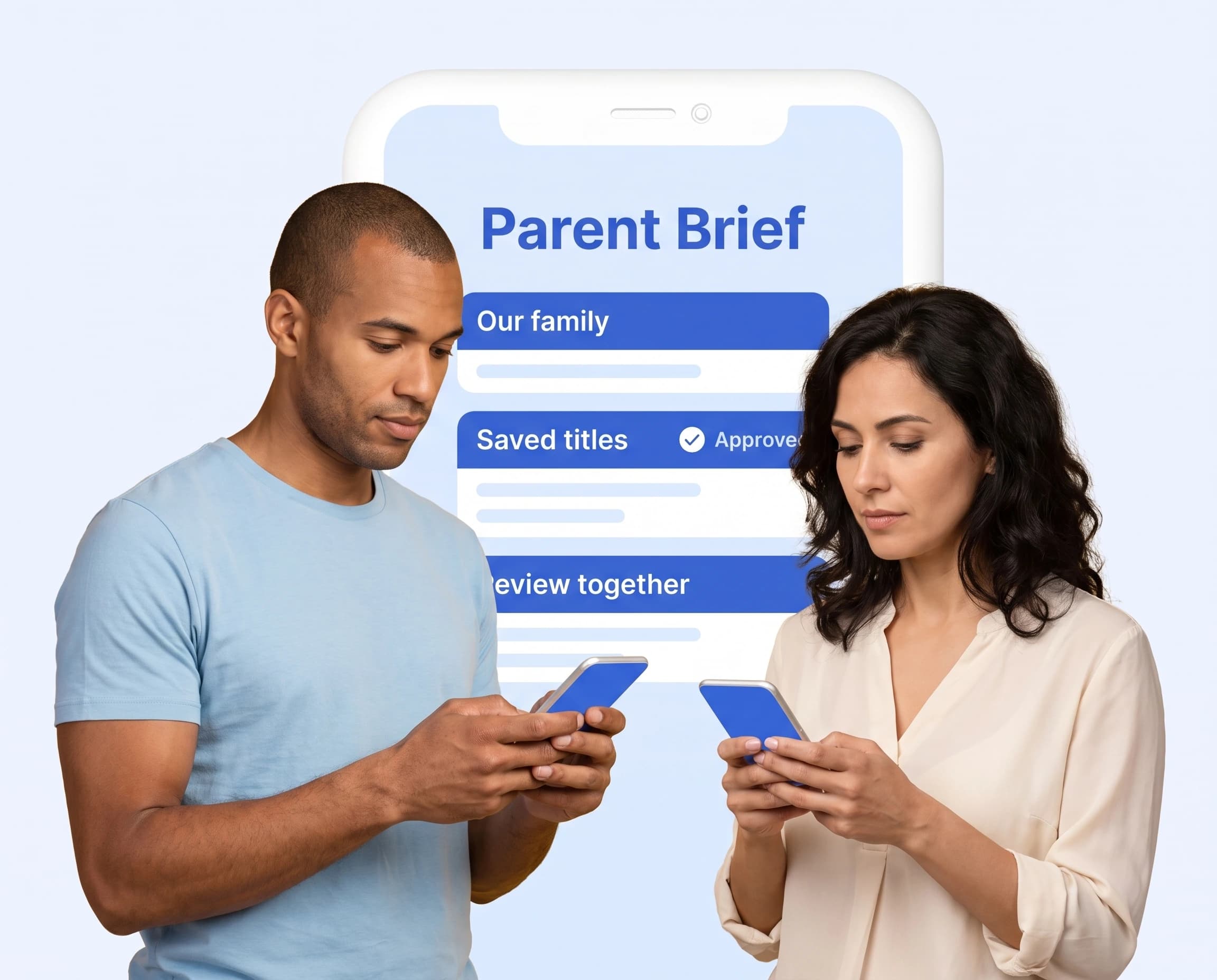
With so much content available to children, parents need reliable tools to screen books, movies, games, and online content. Here's a comprehensive guide to your options.
Why Content Screening Tools Matter
Today's challenges:
- 500+ hours of video uploaded to YouTube every minute
- Thousands of new children's books published yearly
- Hundreds of new video games released monthly
- Constant new content on streaming platforms
No parent can manually screen everything their children might encounter.
Types of Screening Tools
Advanced Analysis (Like ParentBrief)
Pros:
- Instant results
- Comprehensive analysis
- Specific content warnings
- Screenshot/image analysis
- Always up-to-date
Best for: Quick decisions, specific content questions, detailed analysis
Review Aggregators (Common Sense Media, etc.)
Pros:
- Community reviews
- Age recommendations
- Established reputation
Cons:
- May not share your values
- Not always up-to-date
- Generic recommendations
Parental Control Software
Pros:
- Blocks access to content
- Time management
- Usage monitoring
Cons:
- Doesn't help you decide what's appropriate
- Kids may find workarounds
- Can damage trust
Community Forums
Pros:
- Like-minded parents
- Personal recommendations
- Discussion and support
Cons:
- Time-consuming
- Subjective opinions
- Not comprehensive
What to Look for in a Screening Tool
Must-Have Features
- Specific content warnings - Not just age ratings
- Fast results - Get answers when you need them
- Multiple content types - Books, movies, games, YouTube
- Values alignment - Tool understands what you're looking for
- Easy to use - Works when you're standing in a store or browsing
Nice-to-Have Features
- Screenshot/image analysis
- Search history
- Family profiles
- Watchlist management
- Alternative recommendations
How ParentBrief Compares
Our Advantages
- Instant analysis - Results in seconds
- Ideological content detection - LGBTQ+, woke content, political messaging
- Multiple input methods - Search, chat, or snap a photo
- Family values focus - Designed for parents who care about content
- Comprehensive screening - Books, movies, games, YouTube
Unique Features
- 🔍 Photo scanning - Upload a book cover or movie poster
- 💬 Chat interface - Ask questions naturally
- 🏳️🌈 Ideology detection - Specifically screens for values concerns
- ⚡ Instant results - No waiting for reviews
Comparison Chart
| Feature | ParentBrief | Review Sites | Parental Controls |
|---|---|---|---|
| Instant results | ✅ | ❌ | N/A |
| Ideology screening | ✅ | ❌ | ❌ |
| Photo scanning | ✅ | ❌ | ❌ |
| Content blocking | ❌ | ❌ | ✅ |
| Plain-language parent summaries | ✅ | Sometimes | ❌ |
| Values-focused | ✅ | ❌ | ❌ |
Making the Right Choice
For Busy Parents
Choose tools that give instant results and work on mobile. You need answers while shopping, not research projects.
For Values-Conscious Families
Look for tools that specifically screen for ideological content, not just violence and language.
For Tech-Savvy Families
Combine multiple tools: automated screening for content decisions + parental controls for access management.
Getting Started with ParentBrief
- Visit parentbrief.com - No download required
- Try Parent Brief - Check a few titles your kids are asking about
- Search or snap - Type a title or upload a photo
- Get detailed analysis - Specific content warnings
- Make confident decisions - Know before they watch or read
The Bottom Line
The best content screening tool is one you'll actually use. ParentBrief combines instant analysis with specific attention to the values concerns that matter to parents.
Start screening smarter today.