
Getting started
Create your account and add a profile for each child. Then search for a book, movie, show or game by title, or snap a photo of the cover. Each report explains what’s inside, with age guidance in plain language.
Questions about a report, your plan or your account? Real people on our team read every message, and your family’s information stays private.
Short answers to the things parents ask us most.
Create your account and add a profile for each child. Then search for a book, movie, show or game by title, or snap a photo of the cover. Each report explains what’s inside, with age guidance in plain language.
Subscribed on the website? Open Settings and choose Manage plan to switch plans, update your card or cancel in our secure Stripe billing portal. Subscribed in the app? Manage it in your App Store or Google Play subscriptions.
You can delete your account and everything stored with it at any time, from Settings on the website or in the app. We never sell your personal information.
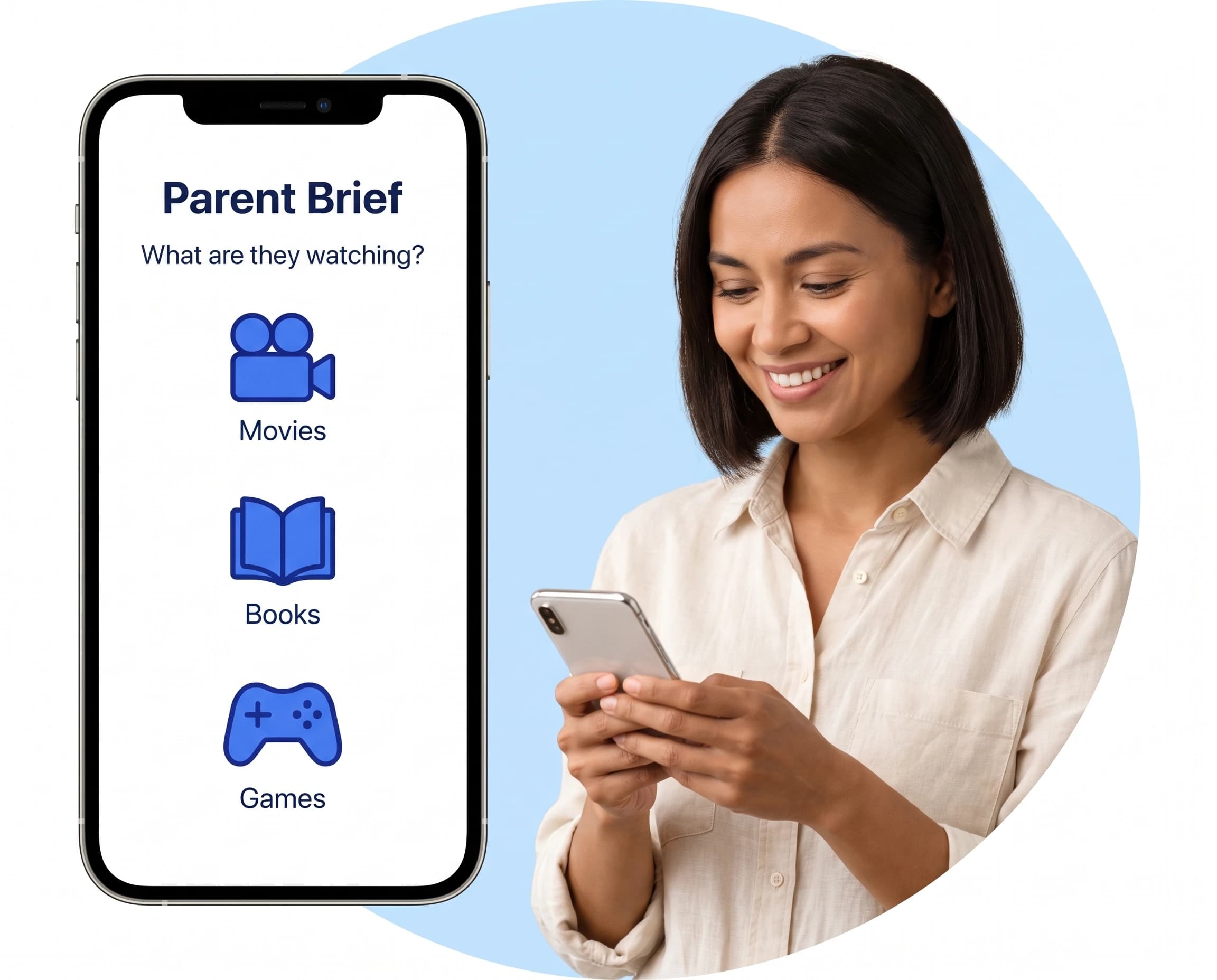
Parent Brief is available on iPhone and Android. Sign in with the same account and your plan, children and saved reports stay in sync between your phone and the website.
Honest answers, in plain language.
Books, movies, TV shows and video games. Search by title or snap a photo of a cover, and you get a report on things like violence, language, scary or intense scenes, overstimulation and mature themes, with age guidance and what to watch for.
Children of any age, from little ones to teens. Add each child’s age and the guidance in your reports is shaped around them. One subscription includes every child in your family.
Our screening technology draws on detailed information about each title, and we work hard to keep reports accurate. Reports can still make mistakes, so please treat them as helpful guidance rather than a guarantee. You know your child best, and the final decision is always yours.
Yes. On parentbrief.com, the yearly plan includes a 3-day free trial for eligible new subscribers. Cancel before the trial ends and you won’t be charged. The monthly plan starts right away. Current prices are always on our pricing page.
Anytime, with no cancellation fees. If you subscribed on the website, open Settings, choose Manage plan and cancel in the Stripe billing portal. If you subscribed in the app, cancel in your App Store or Google Play subscriptions. You keep access until the end of the period you’ve paid for.
Payments are generally non-refundable, except where required by law, as described in our Terms of Use. If you subscribed through the App Store or Google Play, refunds are handled by Apple or Google under their own policies. If something went wrong with a payment on our website, email us and we’ll take a look.
Terms of UseWe never sell your personal information to anyone. You can delete your account and all of its data at any time, and our Privacy Policy explains what we collect and why.
Privacy PolicyWrite to us and a real person on our team will get back to you, usually within 24 to 72 business hours.
Tip: write from the email address on your account so we can find it quickly.
Check a title in the bookstore aisle or right before movie night. Your account, children and saved reports sync between the app and the website.