Gameplay & violence
How combat works, the weapons involved and how graphic the violence is.
See what’s really in a video game, from violence to online chat and in-game purchases, with age guidance before your kids play.
3-day free trial on the yearly plan. Every child included. Cancel anytime.
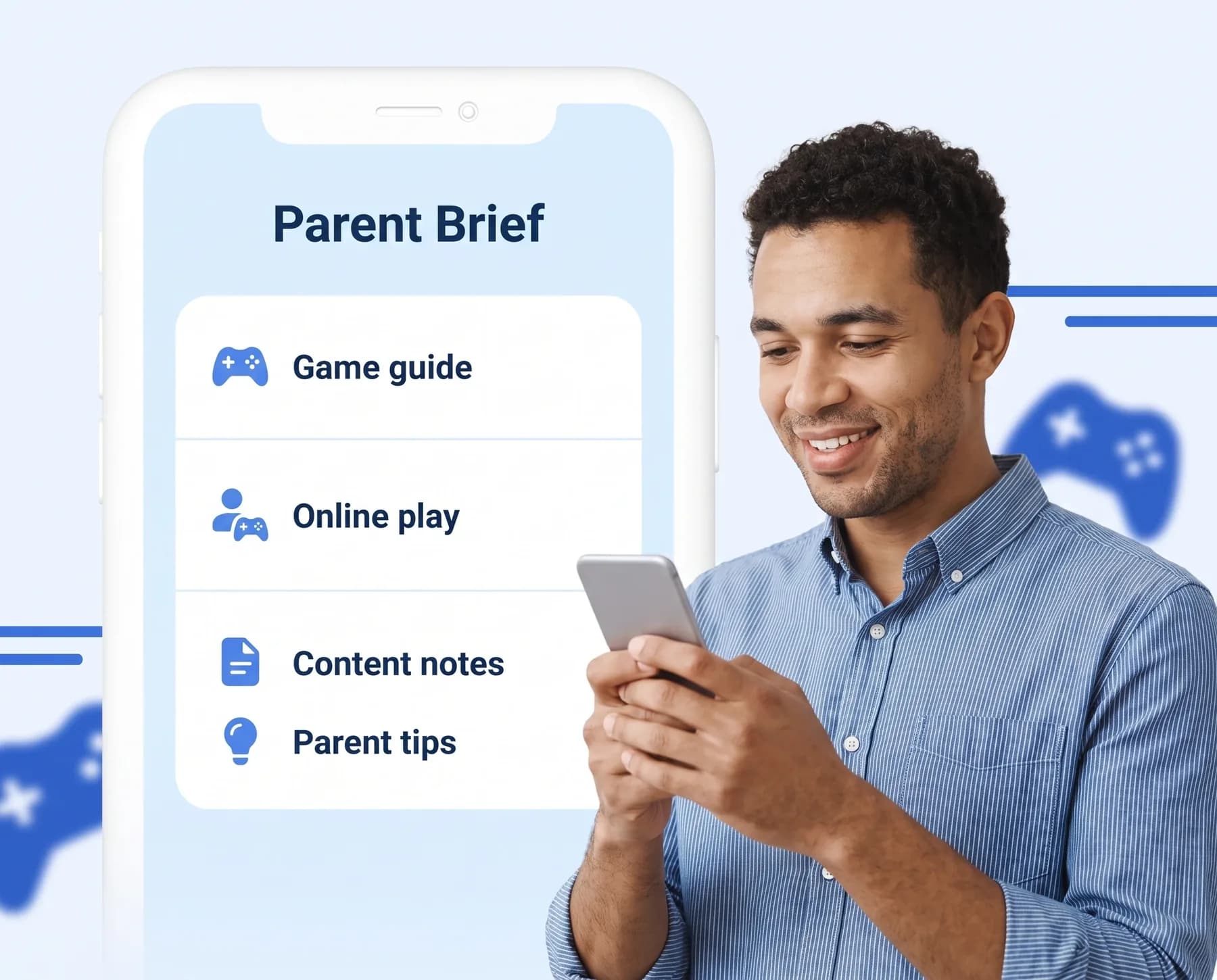
What they’ll see, who they might talk to and what it could cost.
How combat works, the weapons involved and how graphic the violence is.
Whether the game has multiplayer, voice or text chat, and contact with people your child doesn’t know.
Microtransactions, loot boxes and gambling-style mechanics that can cost real money.
Mature themes, storylines and narrative elements worth knowing about.
Horror elements, tense moments and fast, overstimulating play.
ESRB or PEGI ratings where they can be verified, alongside a suggested age for your child.
Console, PC and mobile games.
Three short steps from “Can I?” to a decision you feel good about.
Type the game’s name, or take a photo of the case.
Our screening technology reviews rating boards, official listings and reputable parent reviews.
Use the report to agree on boundaries together, like chat settings or spending limits.
Reports draw on detailed information about each title, and they can still make mistakes. You know your child best, and the final decision is always yours.
We describe what’s in a title plainly and neutrally. We don’t tell you what to allow. We give you the context to decide.
Your searches and your family’s details stay private. You can delete your account and its data at any time.
Yes. Reports explain online features like multiplayer and chat when information supports it. Online experiences can change, so we never assume chat is safe by default. Use your console or app’s parental controls too.
Yes. Reports flag microtransactions, loot boxes and gambling-style mechanics, so you can decide whether to set spending limits.
Console, PC and mobile games. When a game differs between versions, the report says so where information allows.
Every plan includes every type of check.
Use the same account in the Parent Brief app on iPhone and Android. Your plan, children and saved reports stay in sync.

Check a game before it’s downloaded.