Violence & action
Fight scenes, weapons, blood and how intense the action gets.
A parents guide for any movie or TV show. See the violence, language, scary scenes and overstimulation before you press play.
3-day free trial on the yearly plan. Every child included. Cancel anytime.
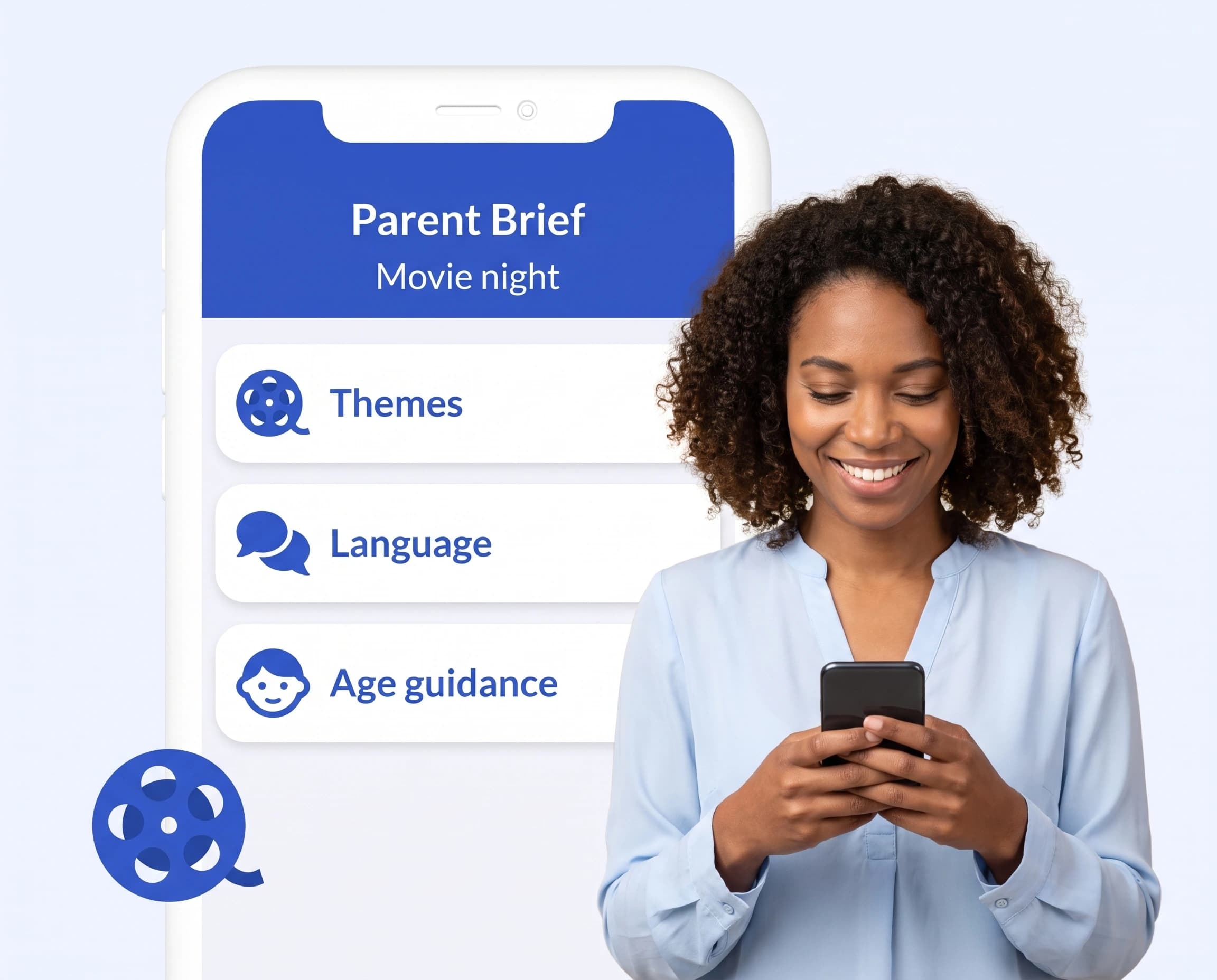
The context you need for movie night, in a few short paragraphs.
Fight scenes, weapons, blood and how intense the action gets.
Jump scares, suspense and disturbing images that could upset younger viewers.
Rapid scene changes, flashing lights and loud, fast-paced sequences that some children find overwhelming.
Profanity, slurs and crude or sexual dialogue.
Sexual content, nudity, and drug, alcohol or tobacco use.
Official ratings where they can be verified, kept separate from a suggested age for your child.
Films and TV series, from family favorites to the latest release.
Three short steps from “Can I?” to a decision you feel good about.
Type the title of a movie or show, or take a photo of the poster or case.
Our screening technology reviews rating boards, official listings and reputable parent reviews.
Read the report together and decide what fits tonight.
Reports draw on detailed information about each title, and they can still make mistakes. You know your child best, and the final decision is always yours.
We describe what’s in a title plainly and neutrally. We don’t tell you what to allow. We give you the context to decide.
Your searches and your family’s details stay private. You can delete your account and its data at any time.
Yes, both films and TV series. Content can change from season to season, so it helps to mention the season or episode you’re asking about.
Reports cover overstimulation, including flashing lights and rapid scenes, when information about the title supports it. If your child is sensitive to flashing lights, please also check the official content advice for the title.
An official rating is only shown when it can be verified for that exact title. Our suggested age is shown separately, so you can see both.
Every plan includes every type of check.
Use the same account in the Parent Brief app on iPhone and Android. Your plan, children and saved reports stay in sync.

Check a movie or show before you press play.