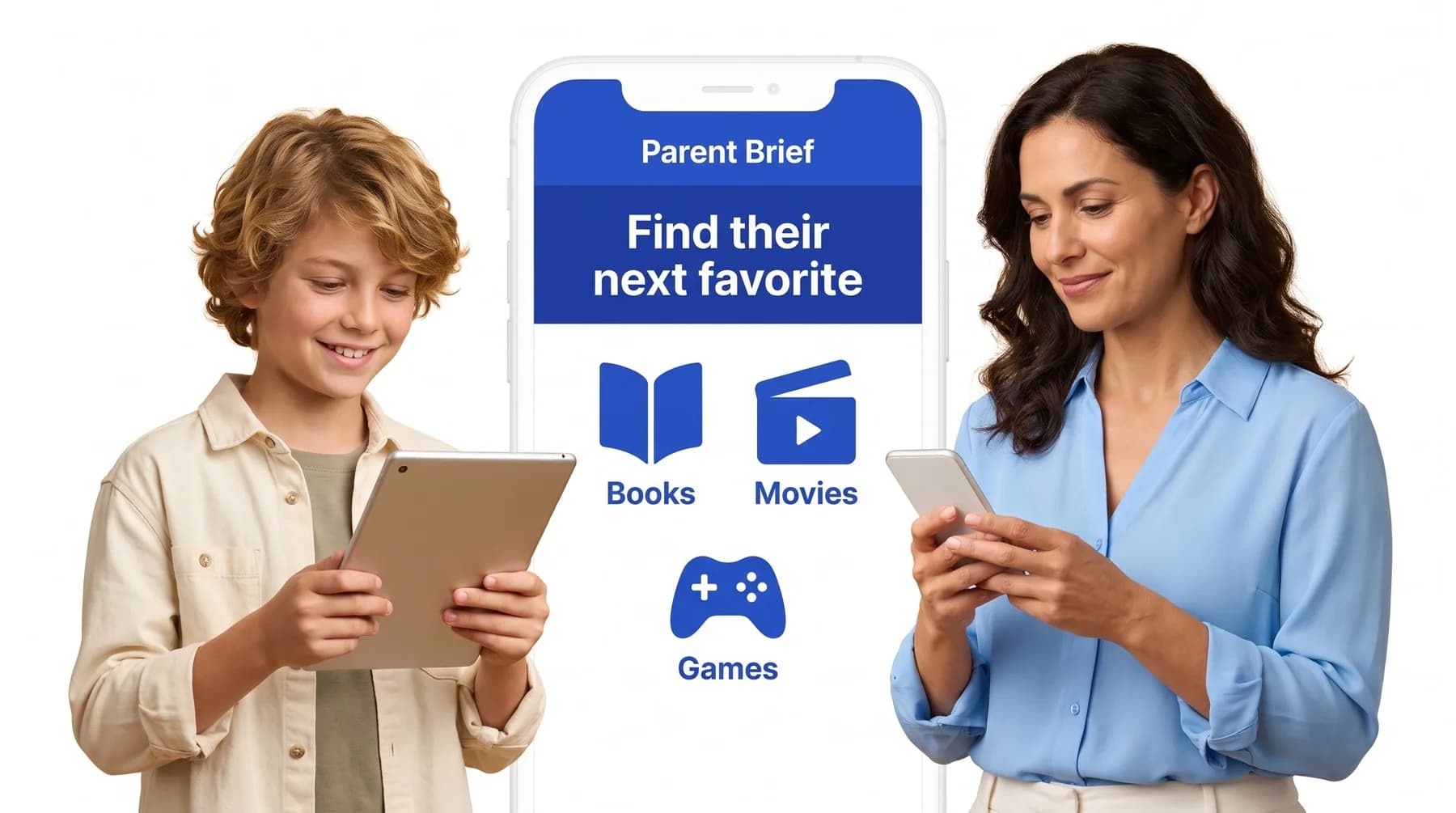
Smart recognition
Parent Brief identifies the book, movie, show or game in your photo.
Take a photo of a book cover, movie poster, DVD or game case. Parent Brief identifies the title and returns a full content report in seconds.
3-day free trial on the yearly plan. Every child included. Cancel anytime.

The same report as a title search, without typing a thing.
Parent Brief identifies the book, movie, show or game in your photo.
Get content guidance in seconds, right where you’re standing.
Violence, language, scary scenes, overstimulation and mature themes, with age guidance.
Works in the Parent Brief app and on the web, whenever your camera is handy.
A cover alone isn’t proof of what’s inside, so reports draw on information about the title itself and say when details are limited.
We only look for the title in your photo. We never try to identify people from their faces.
Anywhere you meet a title and want to know more before saying yes.
Three short steps from “Can I?” to a decision you feel good about.
Take a picture of the cover, poster or case, or upload a screenshot.
Parent Brief recognizes the title and screens its content.
Get a plain-language report with age guidance for your child.
Reports draw on detailed information about each title, and they can still make mistakes. You know your child best, and the final decision is always yours.
We describe what’s in a title plainly and neutrally. We don’t tell you what to allow. We give you the context to decide.
Your searches and your family’s details stay private. You can delete your account and its data at any time.
Book covers, movie posters, DVD cases, game boxes and screenshots. A clear, well-lit photo where the title is visible works best.
Try another photo with the title clearly in view, or simply type the title instead. You get the same report either way.
No. We only look for the book, movie, show or game in your photo, and we never identify anyone from their face.
Every plan includes every type of check.
Use the same account in the Parent Brief app on iPhone and Android. Your plan, children and saved reports stay in sync.
Your camera is all you need.